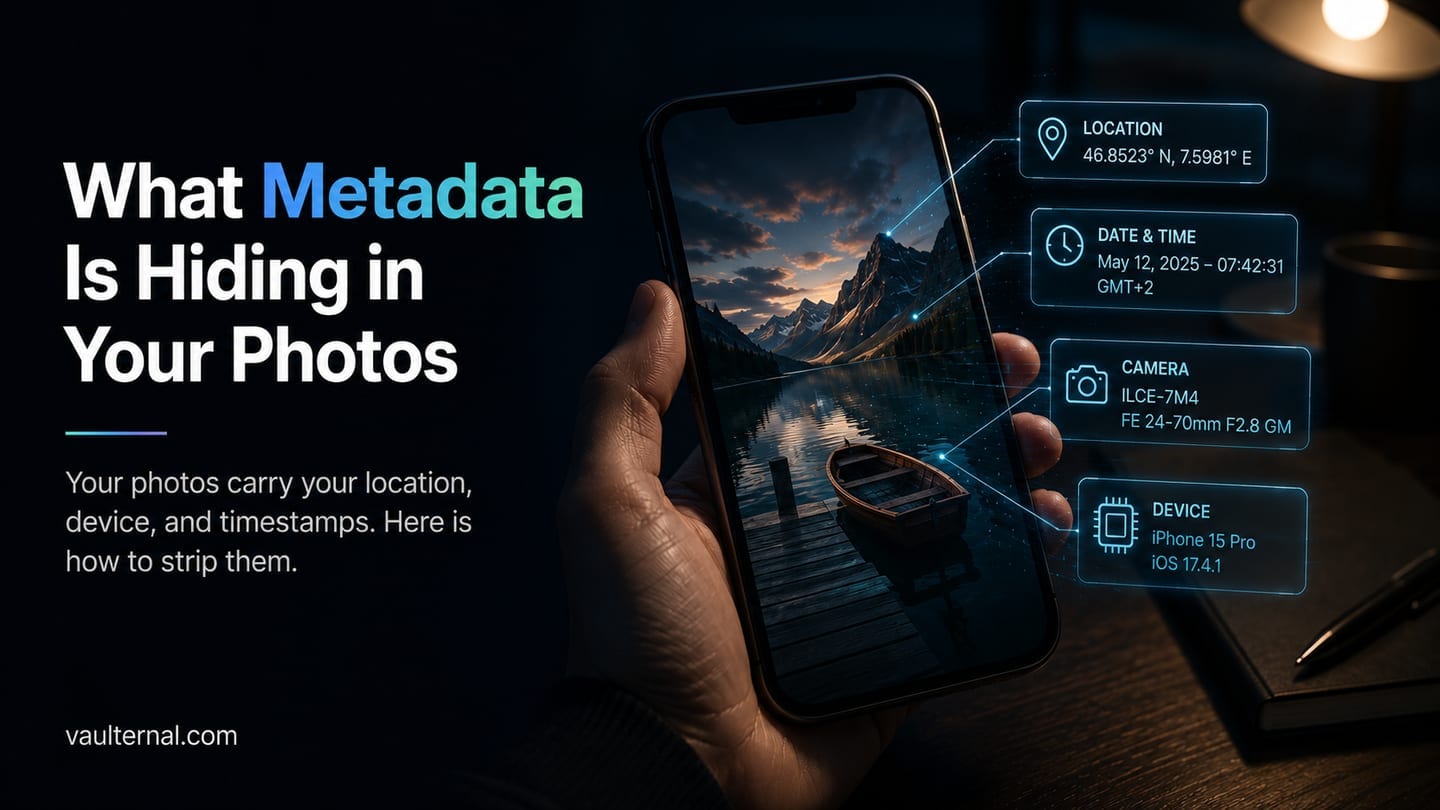
What Metadata Is Hiding in Your Photos (and How to Remove It)
Most photos carry a hidden layer of information that has nothing to do with the picture itself. It records where the photo was taken, on what device, at what moment, and sometimes down to the camera's serial number. This is called metadata, and unless you remove it, it travels with the file every time you send or upload it. The image you meant to share is not the only thing you are sharing.
Below is what that hidden layer contains, what it gives away about you, when platforms quietly strip it and when they do not, and how to remove it yourself before a file leaves your hands.
What metadata is
Metadata is data about the file, stored inside the file alongside the pixels. For photos, the most common format is EXIF (Exchangeable Image File Format), written automatically by phones and cameras at the moment of capture. A single JPEG can carry dozens of these fields.
The ones that matter most for privacy are:
- GPS coordinates: the precise latitude and longitude where the photo was taken, often accurate to a few meters.
- Timestamp: the exact date and time of capture, down to the second.
- Device details: the make and model of the phone or camera, and sometimes a unique serial number.
- Camera settings and software: lens, exposure, and the app or editor used.
None of this is visible when you look at the picture. All of it is readable by anyone with a free tool and the file.
What your photos can reveal about you
Individually these fields look harmless. Together they build a surprisingly complete picture of your habits and whereabouts.
Your home and routine. Photos taken at home carry your home's coordinates. Post enough of them and the pattern points straight to your front door, along with the times of day you are usually there. For anyone selling items online, hosting a listing, or maintaining a public profile, that is a direct link between a username and a physical address.
A device fingerprint. The make, model, and serial number of your camera tie otherwise unrelated photos back to the same device, which can connect accounts you intended to keep separate.
A timeline. Timestamps across a set of images reconstruct where you were and when, which is a privacy concern for anyone whose location matters: people avoiding a stalker, journalists protecting a source, or anyone who simply does not want their movements logged.
Most photos are harmless on their own. The concern is that this data rides along without you intending it to, and usually without you knowing it is there.
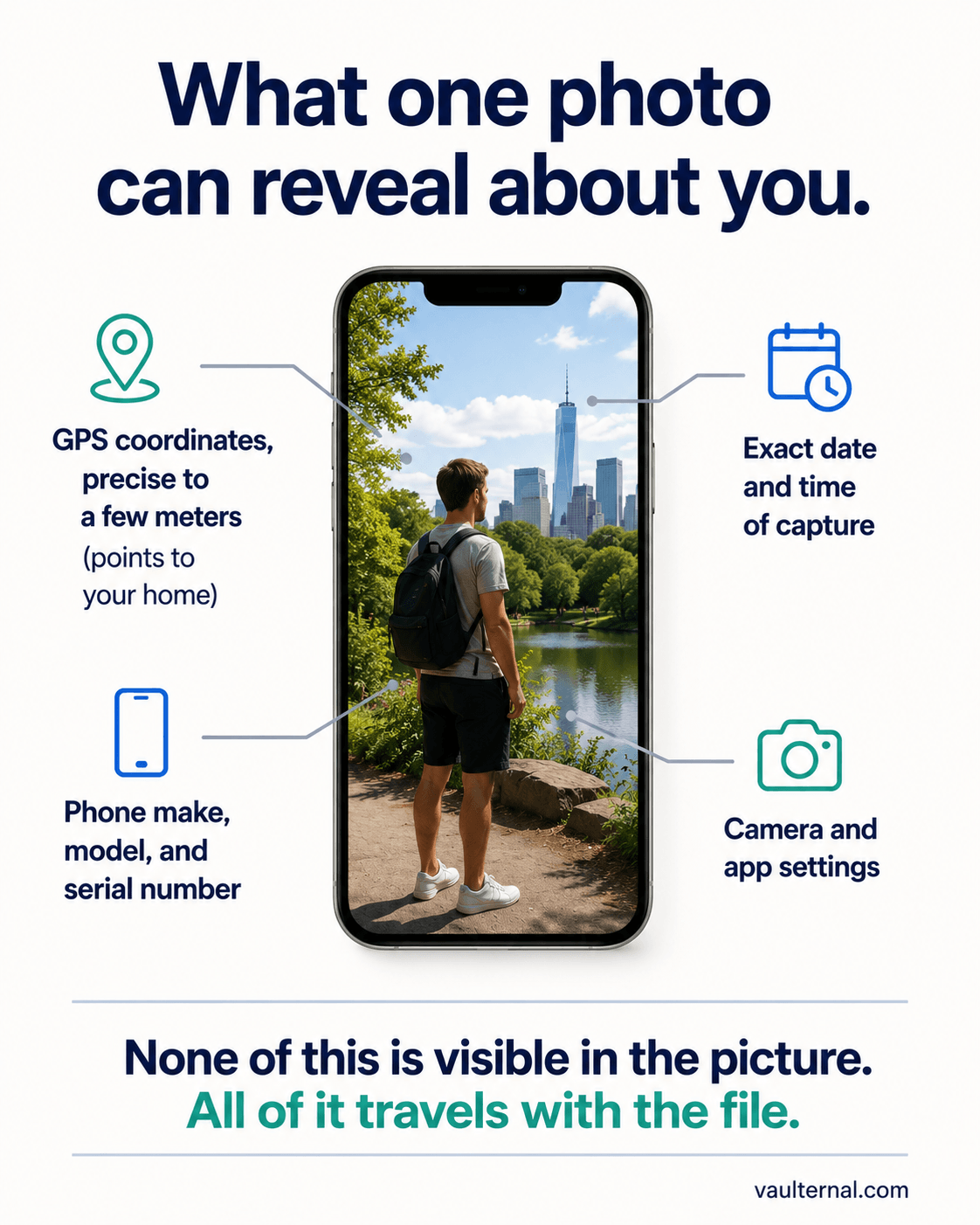
A single photo can carry your location, your device, and the exact moment it was taken.
When metadata gets stripped, and when it does not
There is a common assumption that platforms clean this up for you. Sometimes they do, and sometimes they do not, and the difference is easy to get wrong.
Many large social networks remove most EXIF data from images during upload, largely to save space and standardize files. That protects the version shown in the feed, but it does not protect the original, and it does not cover every path a file takes.
The metadata usually survives when you:
- Send the original file by email or a messaging app that preserves attachments.
- Share a file through cloud storage as a downloadable original.
- Upload to a marketplace or forum that keeps the file intact.
- Hand someone the raw file directly.
In other words, the moment you share the actual file rather than a re-encoded preview, the hidden fields tend to come along. Relying on a platform to strip metadata is a guess, and the safe assumption is that it did not.
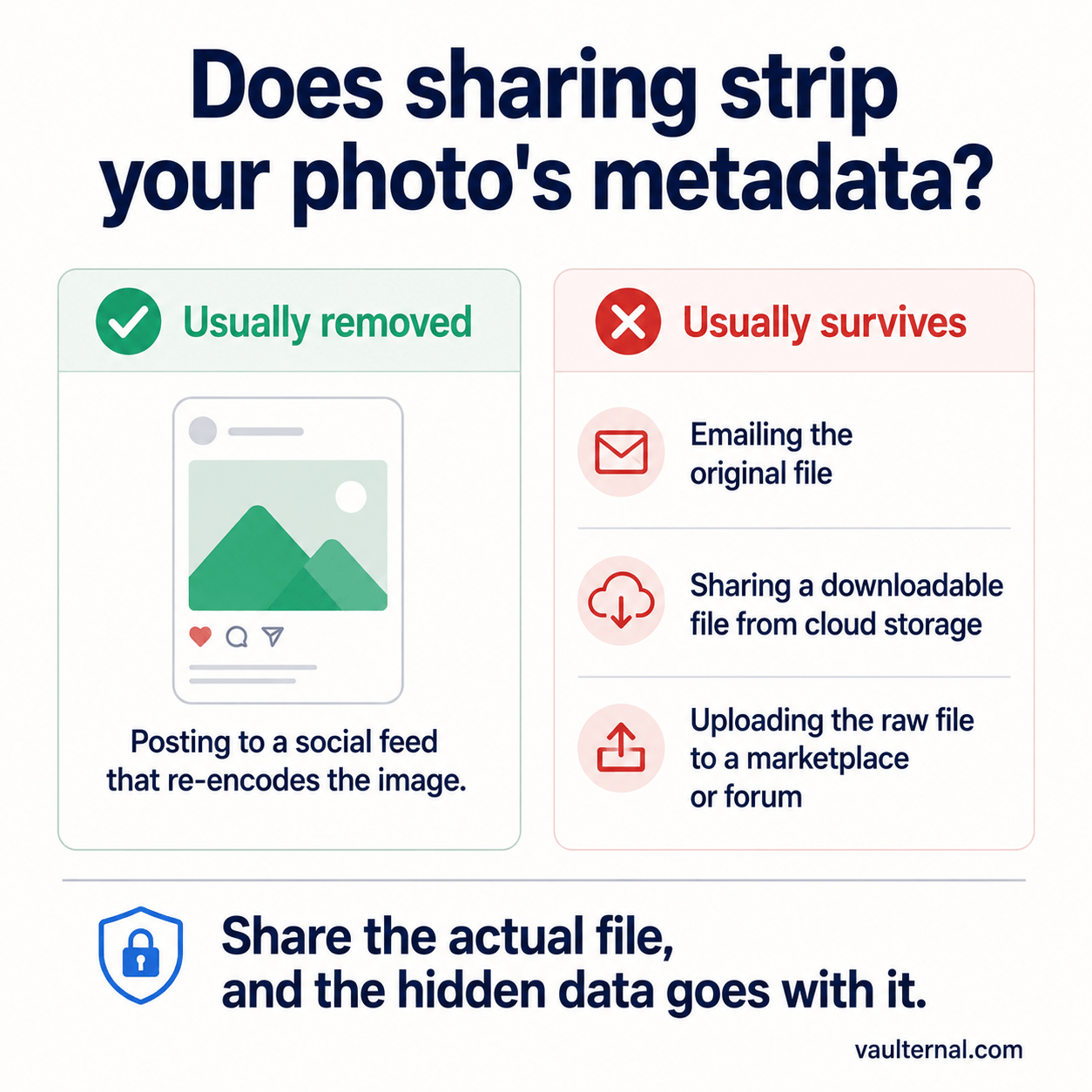
Sharing the original file keeps the hidden data. Only re-encoding on upload tends to remove it.
How to remove metadata before you share
The reliable habit is to strip the metadata yourself, before the file leaves your device, rather than hoping the destination handles it. A few principles make this dependable:
- Work from the original file, before you have sent a copy anywhere.
- Do it locally where possible, so the file is not uploaded to a third party just to clean it. Uploading a sensitive image to an unknown web tool to remove its location data can defeat the purpose.
- Verify by checking the file's properties afterward, so you know the fields are actually gone.
This applies beyond photos. PDFs carry author names, revision history, and software details. Office documents track editors and comments. Videos store location and device data much like images. Each of these can leak information you did not mean to publish, which is why removing metadata is a general privacy habit that reaches well beyond photos. You can read more on the broader approach on our privacy hub.
How Vaulternal's Metadata Remover works
Our Metadata Remover is built around the local-first principle above. When you drop in a photo, the metadata is stripped in your browser, so the file is never uploaded to a server to be cleaned. You get back the same image without the GPS coordinates, timestamps, and device details, ready to share. The same tool handles other formats too, including PDFs, documents, and video, so a single habit covers everything you send.
Because the work happens on your device, there is no copy of your original sitting on someone else's infrastructure. That matches the way we think about privacy across the product: the fewer parties who can read your data, the fewer ways it can leak. It is the same reasoning behind client-side encryption, which we cover in why zero-knowledge architecture matters for your files.
Where this leaves you
Metadata is easy to forget precisely because you cannot see it. The safe default is to treat every photo as carrying your location, timestamp, and device details, and to stop trusting the destination to clean up after you. Strip the fields yourself, from the original, on your own device, then check the file's properties afterward to confirm they are gone. Extend the same habit to the PDFs, documents, and videos you send, and the only thing that leaves your hands is the content you actually meant to share.