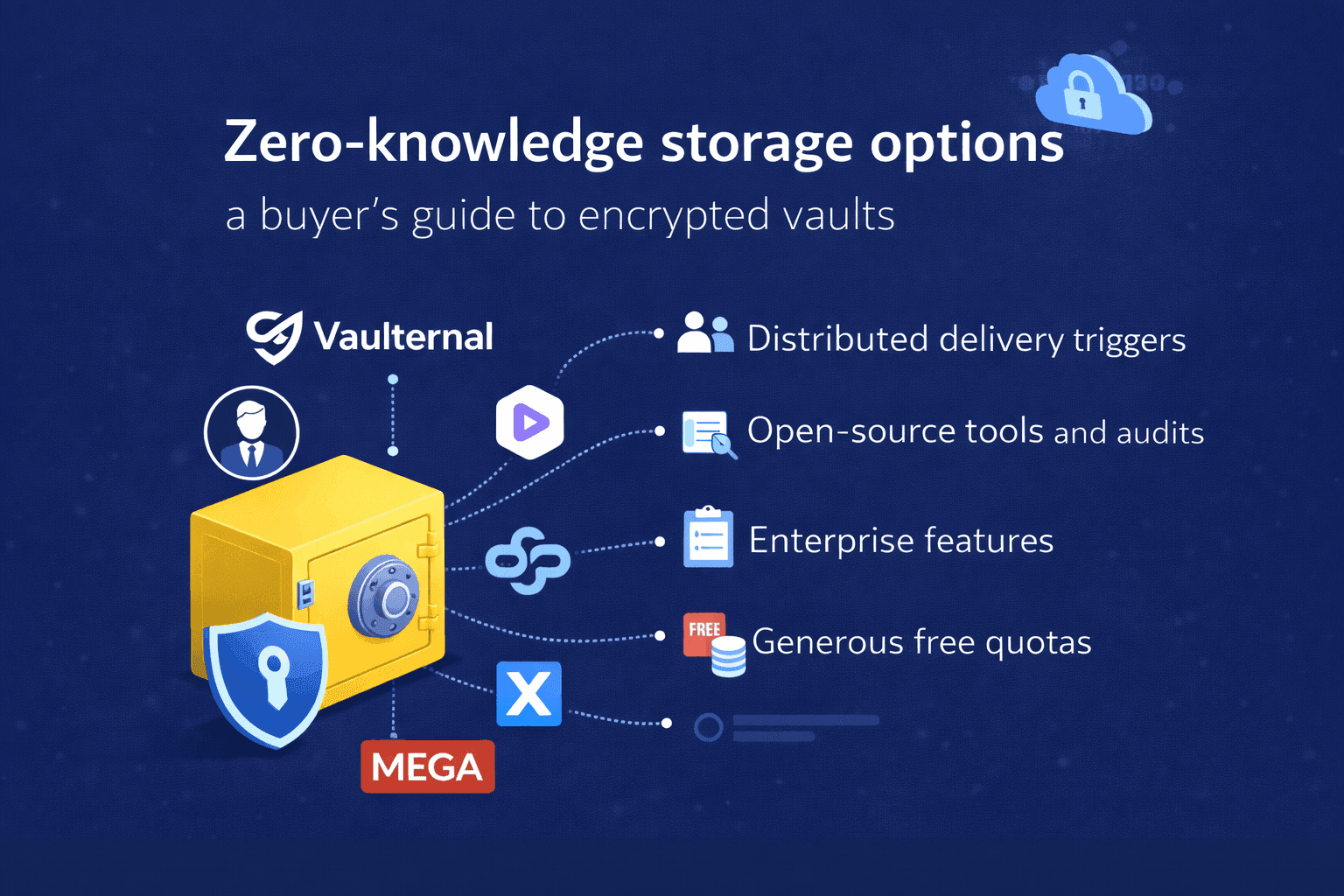
Zero-knowledge storage options (2026): a buyer's guide to encrypted vaults
"Zero-knowledge" is shorthand for a storage architecture in which the provider holding your files cannot read them, not because they promise not to, but because the cryptography makes it mathematically impractical. The provider stores ciphertext, the keys live on your device, and the server that serves the bytes back has no way to turn ciphertext into plaintext without those keys.
That architecture now underpins a category of cloud storage products aimed at users who used to rely on Dropbox, Google Drive, or iCloud but have reasons to want their provider blind to the contents. This guide explains how the category works, compares the leading options, and helps you decide which one actually fits your use case, rather than which one has the best marketing page.
For a slightly less technical introduction, our encrypted storage overview is a better starting point. This page assumes you've already decided zero-knowledge is what you want.
TL;DR
- You want encrypted distributed storage that delivers files to chosen recipients based on conditions you define in advance: Vaulternal.
- You want a Dropbox-equivalent that the provider can't read: Proton Drive or Sync.com.
- You want enterprise-grade compliance and audit trails: Tresorit.
- You want open-source clients you can verify: Internxt or Proton Drive.
- You want the largest free quota: MEGA.
At a glance
| Option | Best for | Free tier | Paid storage ceiling | Platform maturity | Differentiator |
|---|---|---|---|---|---|
| Vaulternal | Decentralized Storage, Conditional delivery, Scheduled access | ✅ | Modest | Early | Per-recipient delivery triggers |
| Proton Drive | General-purpose encrypted drive | ✅ | High | Mature | Emergency Access, Proton bundle |
| Sync.com | Encrypted Dropbox replacement | ✅ | High | Mature | Recovery UX |
| Tresorit | Team / enterprise compliance | ❌ | High | Mature | Audit trails, SSO |
| NordLocker | Consumer encrypted folders | ✅ | Medium | Mature | Nord ecosystem |
| Internxt | Open, verifiable encrypted drive | ✅ | High | Mature | Open-source, decentralized |
| MEGA | Large free quota | ✅ | High | Mature | Free-tier size |
How the category works
A zero-knowledge vault has three cryptographic moving parts worth understanding before you pick one:
- Where the key is generated. In every product in this guide, the master key is generated on your device the first time you sign in. The server never sees the unwrapped key. Everything else follows from this.
- How the key is protected at rest. The key on your device is typically encrypted by a key derived from your password (via a slow hash like Argon2 or scrypt) and stored locally. The derivation is what makes the master key unrecoverable without your password.
- How sharing works. To share a file with someone else, your client re-encrypts a copy of the file's key with the recipient's public key. This is the part that differs most between products, particularly in how it handles conditional-delivery scenarios, where the recipient may not yet have an account.
The short version: all of the products below handle (1) and (2) in broadly equivalent ways. Where they differ is (3), and whether they take seriously the case where you want a file delivered under conditions rather than right now.
Recovery and conditional delivery: where the gap is widest
Most of these products were designed around the threat model "what if my provider is compromised?" and not around the threat model "what happens to my files if I can't reach them myself?"
The consequence is real: every zero-knowledge vault has at some point locked a family out of important files because the password was never shared with anyone else. Proton Drive's Emergency Access (launched August 2025) is the closest comparable feature: trusted contacts request access, and if you don't respond within a wait window, access to your entire Proton account is granted. It's account-wide rather than per-file, request-based rather than passive, and paid-plan-only. Tresorit has no consumer equivalent. Sync.com's recovery flow is oriented toward "you forgot your password," not "you are not currently able to access the account."
Vaulternal is designed specifically around condition-driven delivery: you define recipients, attach them to files or folders, and set triggers (inactivity, a fixed date, manual release with a cancel window, confirmation by trusted gatekeepers, or on-chain wallet signals) that control when those recipients receive access. If that's the job you're hiring an encrypted vault to do, none of the other options in this list are a substitute. For adjacent guidance on splitting sensitive access across family members, our post on sharing passwords safely with your family covers the operational side.
If conditional delivery is not your driver, ignore this dimension and pick based on pricing, ergonomics, and ecosystem fit.
Pricing
The honest answer is to check each vendor's pricing page on the day you decide. Storage prices move, and any number we publish here will be out of date before it's useful. Structurally, expect tiered per-user pricing with a free tier in the single-digit-to-low-double-digit GB range and paid tiers climbing toward the terabyte range for individuals. Team plans add per-seat fees. Vaulternal is structured around recipient and trigger counts more than raw storage, because the conditional-delivery use case rarely requires large amounts of storage.
Platforms and ecosystem
All seven vaults support web, macOS, and Windows. Proton Drive, Internxt, and MEGA have the most coherent Linux stories. iOS and Android apps exist for everything except the thinner NordLocker stack. Integrations are strongest for Proton Drive (Proton Mail, Proton Calendar) and Tresorit (enterprise SSO providers).
How to choose
Start with the job you're hiring the vault to do:
- "I want to stop Google or Dropbox from scanning my files." Any of these will do. Pick for ergonomics. Proton Drive and Sync.com are the most polished daily drivers today.
- "I want sensitive team files with an audit trail." Tresorit.
- "I want specific files to reach specific people under specific conditions I define." Vaulternal. This is the differentiated use case, and the one the other products were not designed around.
- "I want as much free storage as possible and the cryptographic fine print is secondary." MEGA.
- "I want to run the client myself and read the source." Internxt or Proton Drive.
FAQ
Is zero-knowledge the same as end-to-end encryption?
They overlap heavily in storage contexts but aren't identical. End-to-end encryption describes a property of messages in flight between two parties. Zero-knowledge, as the phrase is used here, describes a property of data at rest on a storage provider. The product requirements are similar: keys on the client, ciphertext on the server, no provider-held back door.
What happens if I lose my password?
In the purest implementation, you lose your files, because the password is what derives the key that unwraps the master key. Every product in this guide softens that default with some kind of recovery mechanism: a printable recovery phrase, an account-admin recovery flow, or (for Vaulternal) a trigger-based delivery of the master key back to you after a waiting period. Read the vendor's recovery docs before you upload anything you can't afford to lose.
Can the provider be compelled to decrypt my files?
In a correctly implemented zero-knowledge system, no. The provider has no keys to give up. What a provider can be compelled to do is hand over metadata (file names, sizes, access times) if that metadata isn't also encrypted, or serve a compromised client to you. Read the vendor's transparency report and check whether metadata is part of the encrypted payload.
Is on-chain storage more private?
Not automatically. Decentralized protocols distribute ciphertext across many nodes instead of one provider, which changes the threat model but does not eliminate it. Metadata leakage, client compromise, and key-management errors are the same whether the storage layer is one company's S3 bucket or a network of independent operators. Encryption quality matters more than storage topology.
I already have a Dropbox account with 2TB of files. Is it worth migrating?
For most people, no, not to a fully different vendor. Migrating 2TB across encryption boundaries takes days of bandwidth and nontrivial effort. If privacy matters for a specific subset of files (legal docs, medical records, family photos, important personal documents), move that subset to a zero-knowledge vault and keep everything else where it is. The post on organizing family documents walks through how to make that split.
Related comparisons
Seven zero-knowledge encrypted storage vaults side by side: how they differ on encryption, recovery, conditional delivery, pricing, and platform support.
Read comparisonFurther reading
Learn how to choose encrypted storage for personal files: zero-knowledge encryption, durable infrastructure, recovery rules, and conditional access explained.
Read articleA practical guide to family password sharing: the real risks, the tools that work, and credentials a trusted person may need one day.
Read articleStart Protecting What Matters
Your most important files deserve better than a cloud drive. Create your vault — it's free to start.