Document Checklist for Moving Abroad (Keep Encrypted Copies of These)
Moving to another country turns paperwork into a logistics problem. You need certain documents physically in hand, certified copies of others, and a way to reach any of them at short notice from a place where your filing cabinet no longer is. A visa appointment, a rental application, a new bank account, a hospital registration: each one asks for a specific record, often with little warning, and often while your originals are in transit or in storage. The habit that saves the most stress is deciding, before you go, which documents to carry, which to certify, and which to keep as encrypted digital copies you can open from anywhere.
The rest is practical: which documents to gather, how to split physical originals from digital copies, and how to keep the digital side both private and reachable, including by someone back home when you need it.
The core documents to gather
Pull these together well before the move. Exactly which ones you need depends on the destination and your situation, but this is the set that expat moves tend to draw on.
- Identity and travel: passport, national ID, visa or residence permit, and any entry paperwork.
- Civil records: birth certificate, marriage or divorce certificates, and any name-change documents. Destinations often want these apostilled or officially translated, which takes time to arrange.
- Financial: recent bank statements, proof of funds, tax records, and reference letters from your current bank.
- Health: vaccination records, prescriptions, a summary of your medical history, and insurance documents.
- Education and work: diplomas, transcripts, professional licenses, and an employment contract or offer letter.
- Housing and logistics: your lease or property documents, and anything tied to shipping or storing belongings.
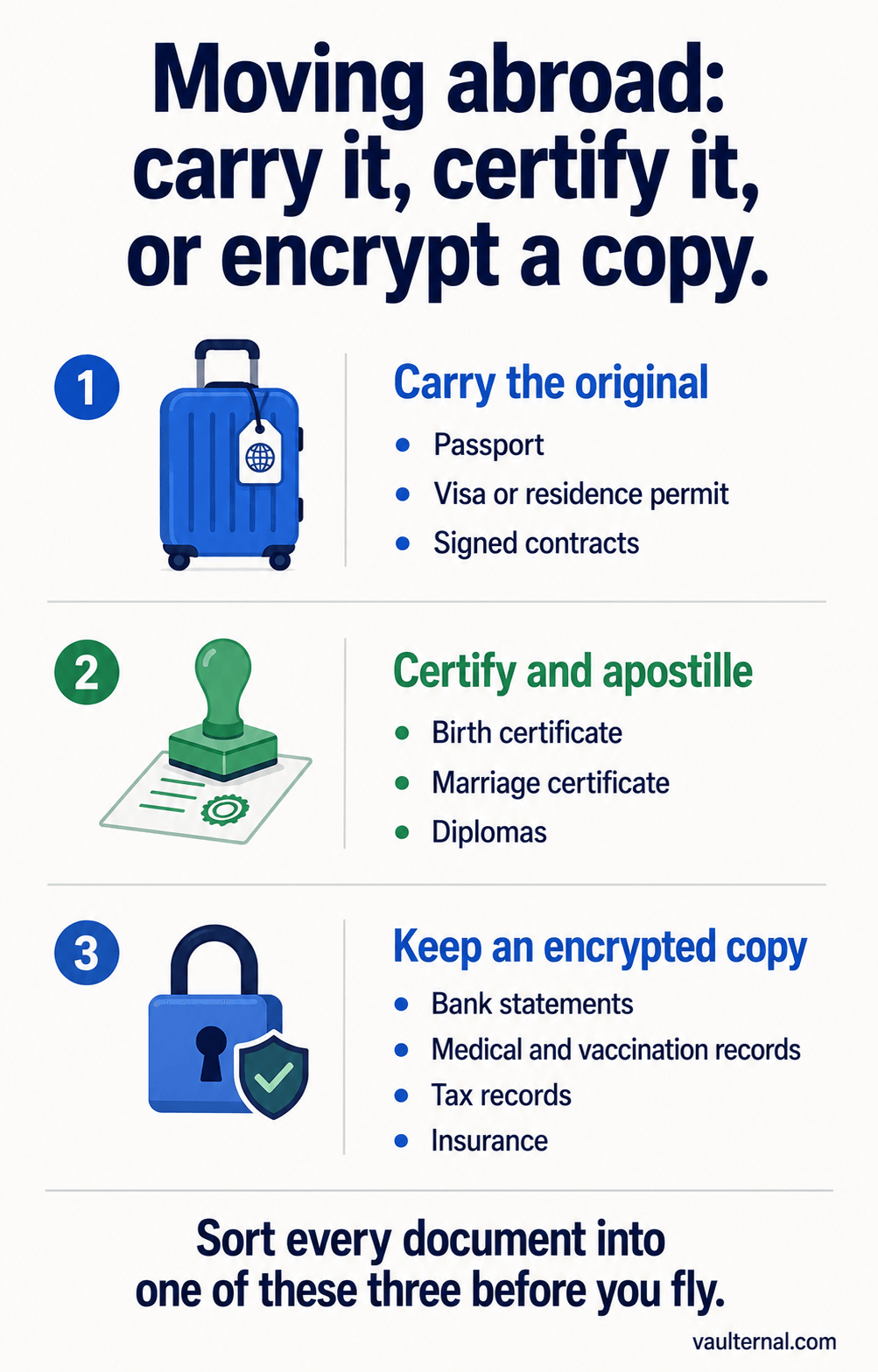
Sort every document into one of three piles before you fly: carry, certify, or encrypt a copy.
Physical originals versus encrypted digital copies
Some of these should travel as physical originals, because you will be asked to present the real thing: your passport, apostilled civil records, and signed contracts. Keep those on your person during the move, not in checked luggage or a shipping container.
For nearly everything else, a certified copy plus a high-quality digital scan covers most situations, and the digital copy is the one you can actually reach when an official asks for a document you did not expect to need that day. The mistake is treating "digital copy" as "a photo in my phone's camera roll." That version syncs to a cloud photo library, is readable by the provider, and quietly carries metadata about where and when it was taken.
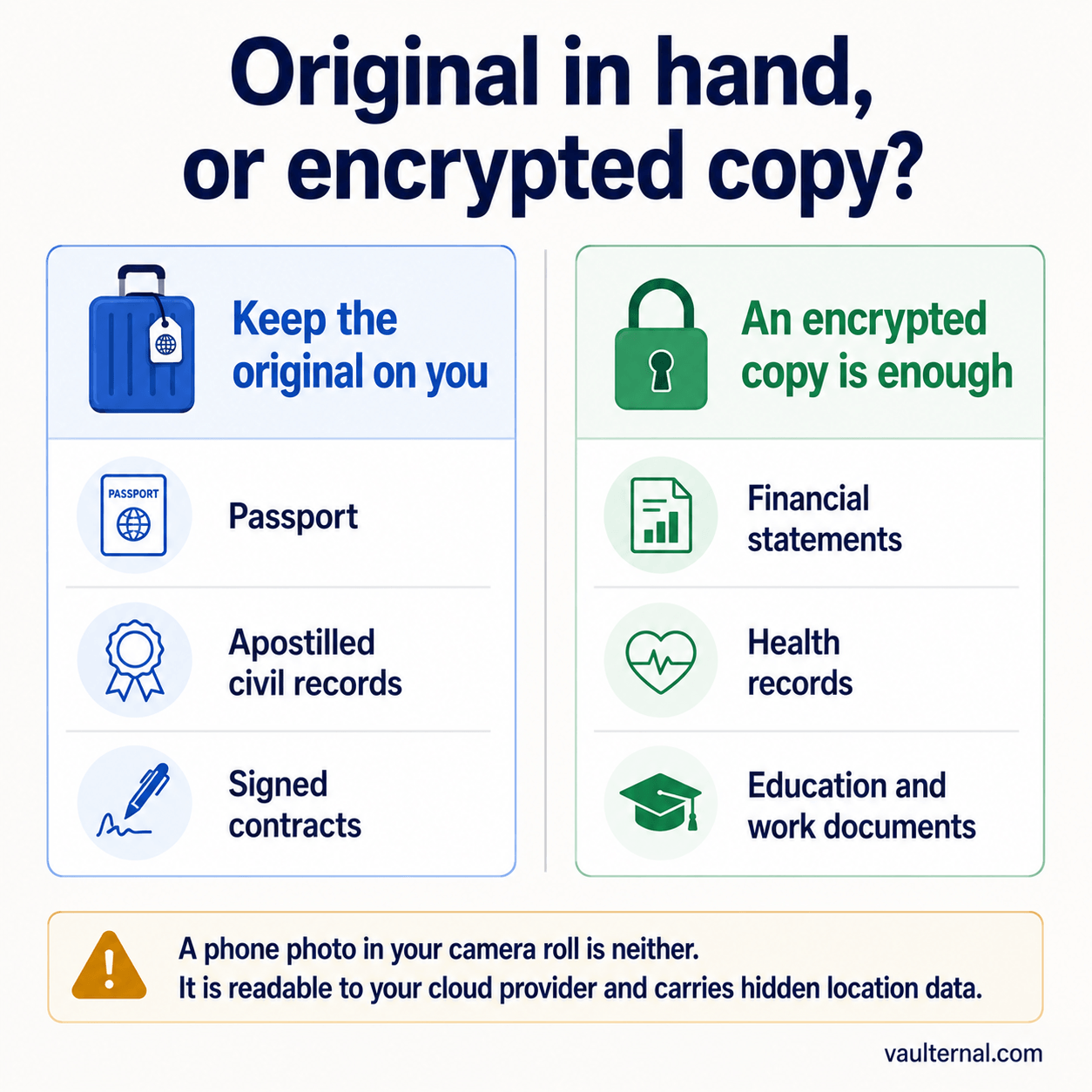
Keep some originals on you; an encrypted copy is enough for the rest.
Why a cloud photo of your passport is riskier than it looks
A scan of your passport, visa, or bank statement is exactly the kind of document that should not sit in readable form on infrastructure a company can access. The risk compounds. The provider holds the keys to most consumer cloud storage, so the file is readable to them and to anyone who compels or breaches them. And the image itself carries hidden metadata, including the location and timestamp of capture, which you rarely intend to share. We go through that second problem in what metadata is hiding in your photos, and stripping it before you store or send anything is a good habit for exactly these files.
The safer pattern is to keep sensitive scans in storage that is encrypted on your own device before upload, so the copy that lives online is unreadable to the service holding it.
Giving someone back home access, without handing over everything
A specific problem comes up more often than expat guides admit: a document you left behind, or stored digitally, is suddenly needed, and you are in a different time zone or offline. A parent needs your signed authorization to deal with a bank. A friend needs a copy of a certificate to forward to an office. You want that person to be able to reach one specific file under a clear condition, not to have standing access to everything you own.
This is conditional access: you encrypt a document, designate who can reach it, and define the condition under which they get it, whether that is a manual release you trigger from abroad or a rule that opens access if you are unreachable for a set period. Until then, the file stays sealed. The family-access setup for expats is built around this case.
Keeping the copies encrypted and reachable
The setup that ties this together is an encrypted vault you can open from any device. Files are encrypted in your browser with AES-256-GCM before they are uploaded, so the service cannot read them, and they are reachable from your new country without depending on a filing cabinet an ocean away. Storage distributed across independent networks means a single provider's outage or policy change does not put your records out of reach, which matters more when you are far from any physical backup. You can see the expat-specific walk-through on the documents for moving abroad page, and the broader picture on the expat hub.
One tradeoff is worth stating plainly: because only you hold the key, that key is now something to protect and back up, since no provider can recover it for you. That is the cost of files that no company can read.
A pre-move checklist
- Gather the documents above, and start any apostille or translation early, because it is slow.
- Decide which originals travel on your person, and carry them there.
- Scan the rest at high quality, and strip metadata from the scans before storing them.
- Store the scans in a vault that encrypts on your device, so the online copy is unreadable to the provider.
- Set a conditional-access rule for any document a trusted person back home might need, so they can reach that one file under a condition you define.
- Confirm you can open your vault from your phone before you leave, so you are not testing it for the first time at a visa office.
Moving abroad is stressful enough without a document hunt at the worst moment. Sort the originals, encrypt the copies, and make sure the few records someone else might need are reachable on terms you set.