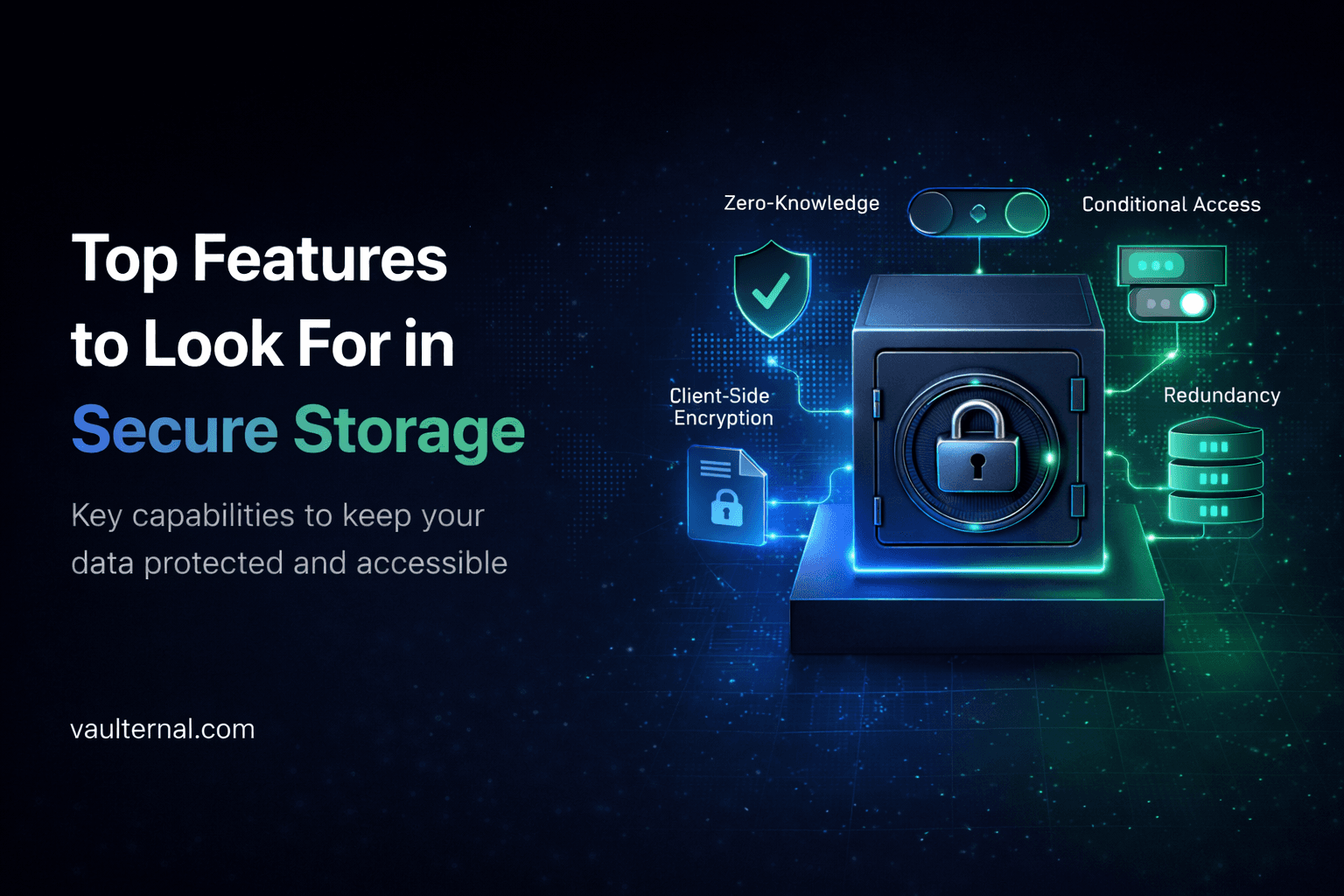
Top Features to Look for in Secure Storage and Digital Legacy Tools
The category of tools people loosely call "digital legacy" is broader than it sounds. It covers password managers with emergency access, encrypted cloud storage with sharing rules, secure note services, and a growing number of products that promise to keep personal files safe over long periods of time and reachable by the right person at the right moment. The label comes from estate planning, but the actual problem most users have is more general. They have files that matter, they want them protected from everyone except themselves, and they want a sensible way to make specific files reachable by a specific person under conditions they choose in advance.
The hard part is that almost every product in this space uses the same vocabulary. Encryption, privacy, control, and security appear on every landing page. The differences that actually matter are buried one layer down, in how the cryptography works, how the storage is structured, and how access rules are enforced. This article walks through the features that separate serious tools from ones that only sound serious.
Encryption that happens on your device, not theirs
The first question to ask any secure storage or digital legacy tool is where encryption takes place. If your files are encrypted on the provider's servers using keys the provider also holds, then the provider can decrypt them at any time. They might do it to scan content, to comply with a legal request, to recover an account, or because an employee with the wrong access made a mistake. The encryption is real but it protects against outsiders, not against the company itself.
The model you actually want is client side encryption, sometimes called zero knowledge. Files are encrypted on your own device, in your browser or in a local app, before they ever reach the network. The provider stores ciphertext and the key never leaves your control. If their database leaked tomorrow, an attacker would see unreadable blocks of data and nothing else.
This single design choice changes the meaning of every other feature. A sharing system built on top of zero knowledge encryption is fundamentally different from one built on top of server side encryption, because in the first case the provider literally cannot read what is being shared.
Strong, named cryptography
Marketing copy that says "bank grade encryption" without naming an algorithm is a soft warning sign. A serious tool will tell you exactly what it uses. The standard answer for file encryption is AES-256, paired with a well known key derivation function such as Argon2 or PBKDF2 to turn your password into a key. These are not exotic choices and there is no good reason for a security focused product to be vague about them.
While you are looking, check whether the provider has published a written description of its architecture, ideally with enough detail that an outside security researcher could evaluate it. A product that explains its cryptography in plain language, names the libraries and standards it relies on, and describes how keys are generated and stored is signaling that it expects to be checked.
Storage that does not depend on a single company staying alive
Encryption protects privacy. It does not protect against a provider going out of business, being acquired and shut down, or quietly deleting inactive accounts under a policy buried in the terms of service. The graveyard of discontinued cloud services is large, and most of them gave users very little warning before files became unreachable.
The structural answer to this problem is distributed storage. Instead of sitting on one company's servers, your encrypted files are spread across many independent nodes on a decentralized network. No single failure, corporate or technical, can take the data with it. For files you intend to keep for years rather than months, this matters as much as the encryption itself. A perfectly encrypted file is still useless if the only copy lived on a server that no longer exists.
Honest recovery rules
Zero knowledge encryption has a tradeoff that any honest provider will tell you about. If the company cannot read your files, the company also cannot recover them when you forget your password. There is no support agent who can let you back in.
A serious tool addresses this with recovery key exports, optional written recovery phrases, or hardware key support, and explains clearly how each option works. Be cautious of any product that promises both unbreakable encryption and easy password recovery from the provider's side. Those two things cannot coexist. If the provider can recover your account on your behalf, they can also be compelled to do it on someone else's behalf.
Granular sharing, per recipient
Real life requires sharing. A spouse might need access to financial records. A business partner might need a specific contract. A family member might need scans of important documents while you are traveling. A good secure storage tool lets you share individual files with individual people, each with their own encrypted access, rather than forcing you to dump an entire folder behind a single link.
The detail to look for is whether each recipient receives a distinct cryptographic access path. If revoking one person's access requires changing keys for everyone, the system is not really granular. If you can grant and revoke per file and per person without disturbing anything else, it is.
Conditional and trigger based access
This is where the digital legacy category overlaps with general secure storage, and where the most useful recent innovation has appeared. Some platforms now let you define rules for when specific files become available to people you have chosen, rather than treating sharing as a one time action.
The most common trigger types are time based, where a file becomes accessible to a chosen recipient on a date you set, inactivity based, where access opens up after a defined period without sign in from you, and manual, where you release access yourself when you decide the moment is right. Good implementations let you mix these and let you change the rules whenever you want.
The reason this matters in practice is that it covers a wide range of normal life situations, not only the dramatic ones. Long international trips, hospital stays, planned handovers of personal records, time limited access for an accountant or lawyer working on a specific matter, or simply making sure a trusted person can reach a particular document if you become hard to contact for a while. The same mechanism that supports estate planning use cases also supports much more ordinary continuity needs, and the better tools in this category present it that way.
Clarity about what the tool is and is not
Digital legacy is a broad term, and the tools that fall under it are not all the same thing. Some are legal services that help you draft binding instructions. Some are password managers with an emergency contact feature. Some are encrypted storage services with conditional sharing built in. They solve overlapping but different problems.
The honest framing for an encrypted storage tool with trigger features is that it is a secure place for your files, with rules you control about who else can access specific files and under what conditions. It is not a will, it does not replace legal advice, and it does not by itself transfer ownership of anything. A tool that is upfront about this is easier to trust than one that hints at being more than it is.
How Vaulternal fits the criteria
Vaulternal was designed around the features described above. Files are encrypted in your browser using AES-256 before they reach the network, so the service itself cannot read them. The encrypted files are stored on distributed infrastructure built on Arweave, IPFS, and Polygon, rather than on a single corporate server, which removes the single point of failure that limits most cloud products.
The access trigger system is the part that maps directly to the conditional access section above. You can store files normally and you can also define, in advance, the situations in which a chosen recipient gains access to a specific file. Time based triggers release on a date you pick. Inactivity triggers open access after a period without sign in that you define. Manual triggers stay in your hands. Each recipient receives their own encrypted access, so you decide exactly who can see what, file by file.
Vaulternal is currently in early access, with a free tier for trying the basic encryption and trigger system, and paid plans for users who want more storage and more trigger types.
A practical way to evaluate any tool in this category
The shortest version of all of the above is that you can judge any secure storage or digital legacy tool by asking five questions. Where does encryption happen, on your device or theirs. What specific algorithms are used. What happens to your files if the company disappears. What happens if you forget your password. And how, exactly, can you grant access to another person on terms you set in advance. If a product can answer all five clearly and in writing, it belongs in the category seriously. If it cannot, the marketing is doing more work than the engineering.
If you want to see what a tool built around those answers looks like in practice, you can find Vaulternal at vaulternal.com.
Vaulternal is a secure storage service with client-side encryption and conditional access features. It is not a legal instrument and does not replace a will, power of attorney, or advice from a qualified legal or financial professional. Users who need formal estate arrangements should consult an appropriately licensed advisor in their jurisdiction.